Settlement to Payout Balance
Updated 1 month ago
Once you receive payments into your Flutterwave account, your funds are automatically settled to you within 1-5 business days depending on the settlement schedule. You can decide to have your funds sent to your bank account manually, at a time of your own choosing, using Flutterwave transfers, instead of the default automatic settlement.
Enable settlement to payout balance
To enable settlements to your payout balance, simply login to your dashboard and follow these steps:
Go to Settings
Click on ‘Business Preference’
Navigate to About
Scroll down to “How do you want to get your earnings?” and select “Settle to my payout balance”
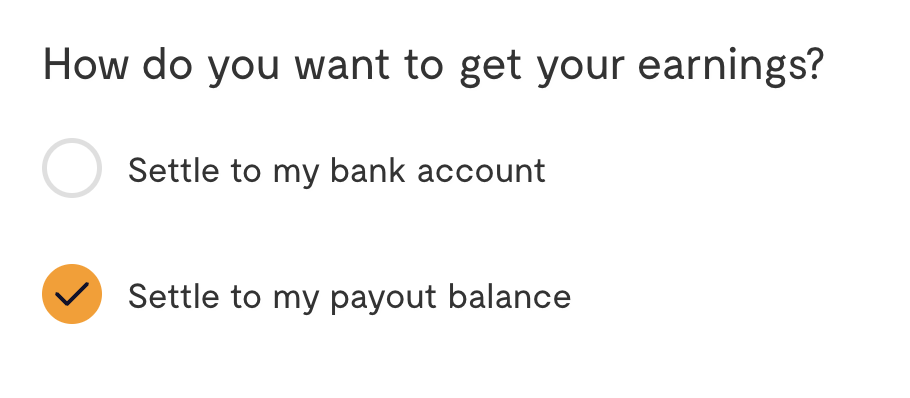
Once this option is enabled, funds you subsequently receive will be settled to your payout balance, which you can then use for transfers to any bank account of your choosing at any time. The payments you receive in your Flutterwave account will be accumulated, allowing you to earn interest, if eligible, until you choose to transfer them out.
We'd like to hear from you
Suggest the type of support articles you'd like to see
Still need help?
Get in touch if you have more questions that haven’t been answered here